Many formats. One library.
Common image formats, EPUB and PDF books, and comic archives including CBZ, CBR, ZIP, RAR, 7Z, and TAR.
 Leaf
Leaf
The Collector’s Library · For Mac
Turn your folders into a library.
Beautiful to browse. Delightful to read.
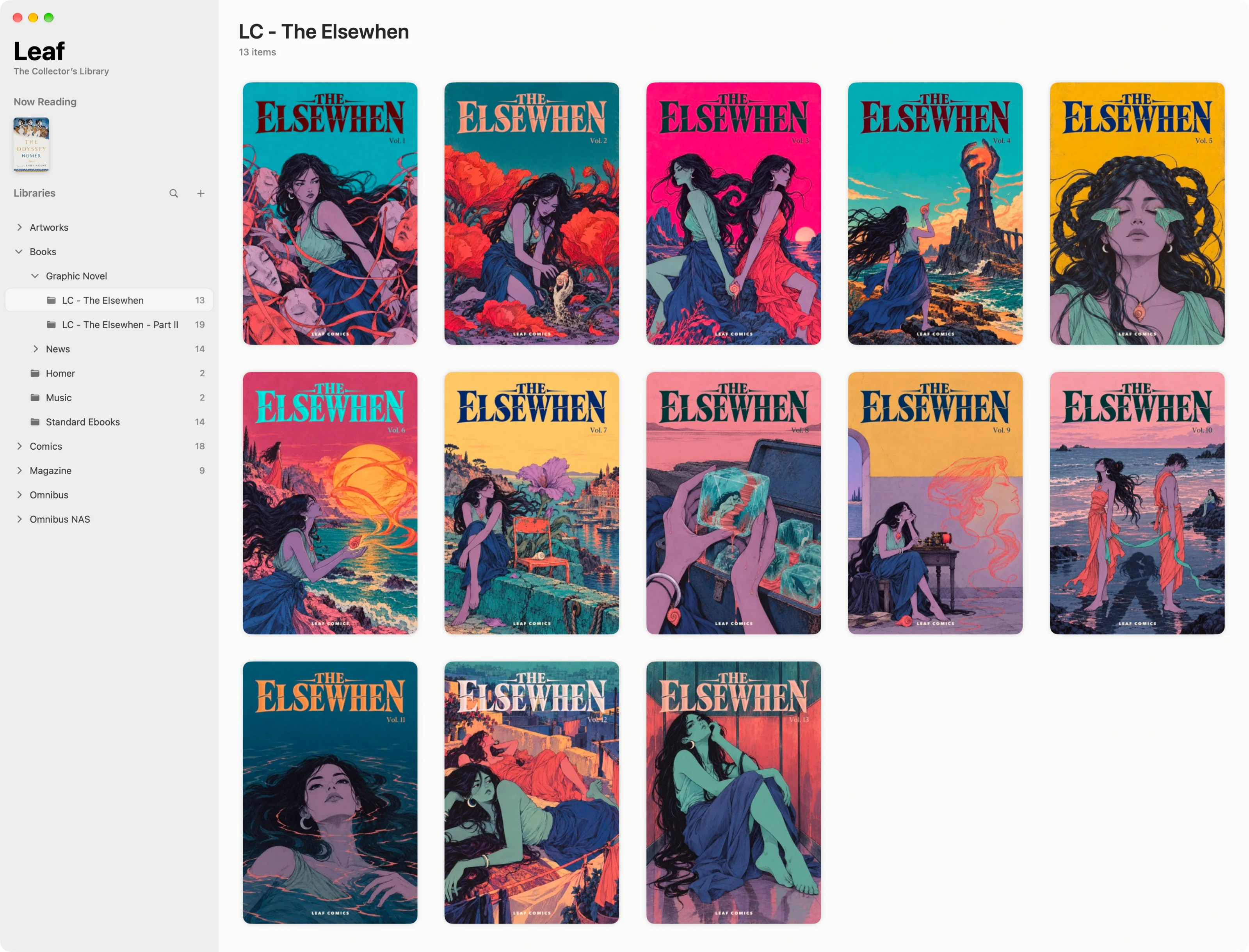
Common image formats, EPUB and PDF books, and comic archives including CBZ, CBR, ZIP, RAR, 7Z, and TAR.
Dedicated reader with clean UI for pics, books, and comics. Rich customization for your reading experience.
Complete keyboard shortcuts and intuitive gestures. Unified reading controls for pics, books, and comics.
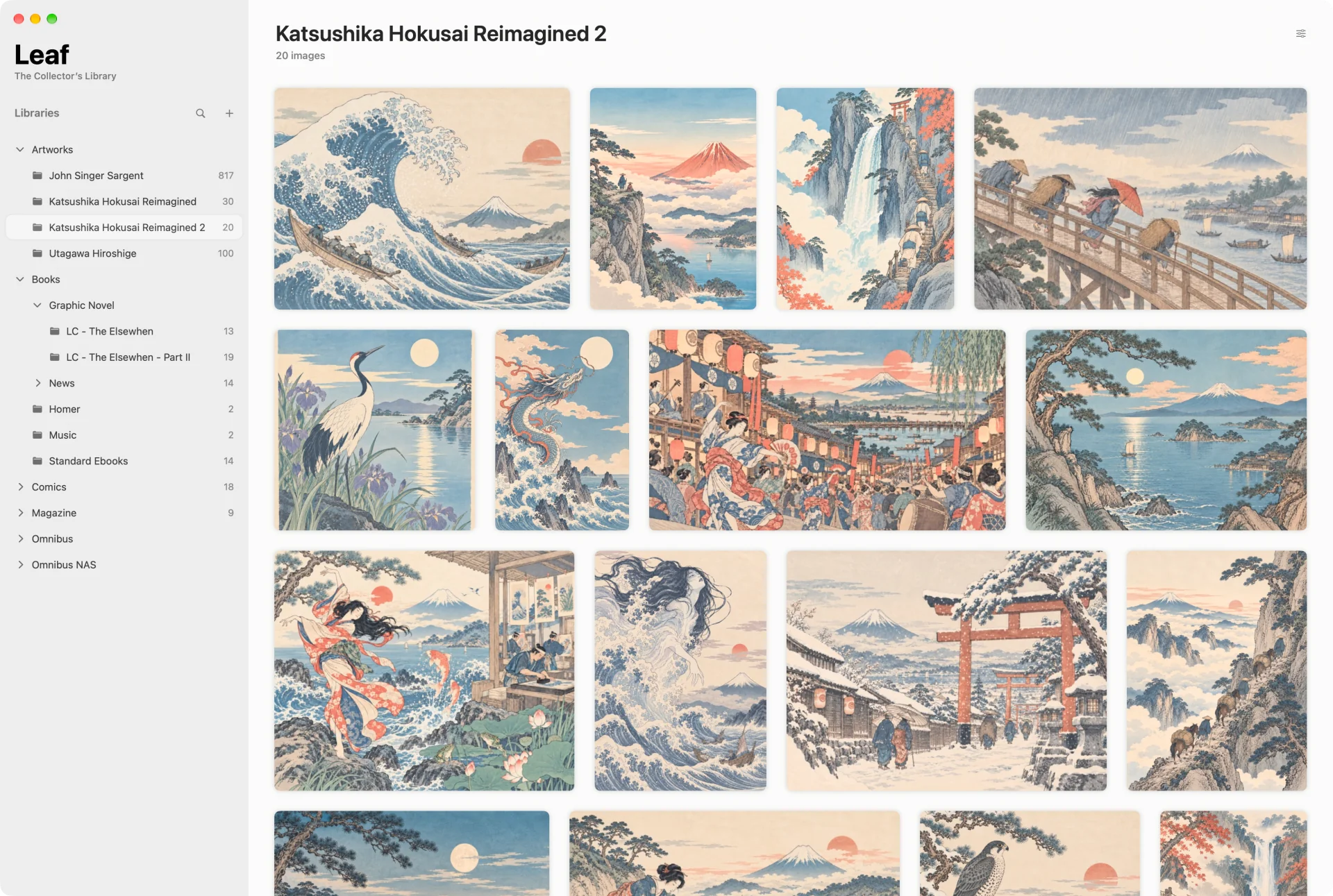
01 / Image collection
Turn image folders into a visual library. Browse your collections, then enjoy every detail in a reader designed for images.
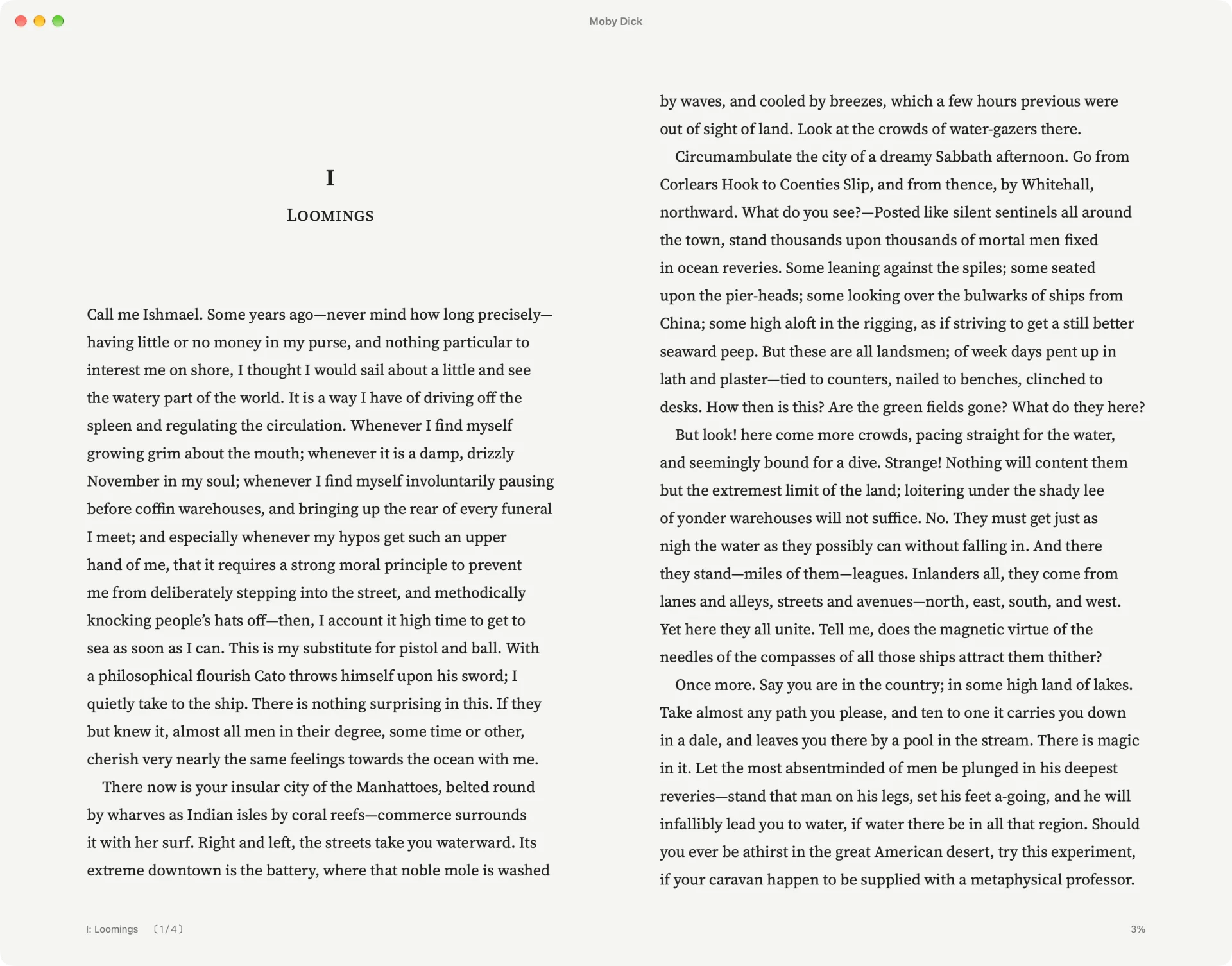
02 / Reading
Thoughtfully designed readers, tailored for images, comics, and books.
Images, comics & PDFs
Turn pages or scroll continuously. Read left to right or right to left, and choose single pages or automatic page pairing.

EPUB books
Customizable typography, custom CSS, and rich annotation tools with five highlight colors, comments, and a dedicated Notes panel.
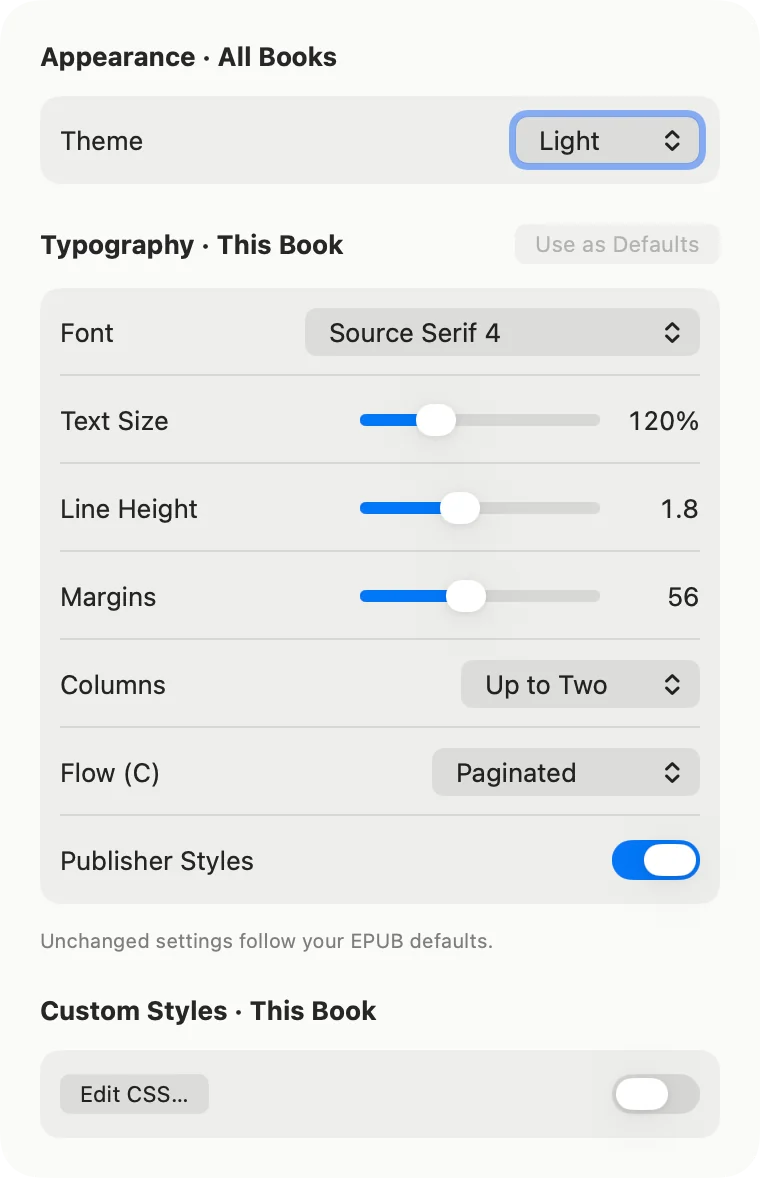
03 / EPUB reading options
Fine-tune fonts, text size, spacing, margins, and themes for comfortable reading.
Set defaults across your library, then tailor the typography for an individual book.
For even more control, add custom CSS to style its text and layout your way.
04 / Stay in the flow
Browse and read with arrow keys, HJKL, or ESDF.
With familiar shortcuts across readers, your fingers already know the way.
Local by design
Your files, catalog, and reading progress stay local. No accounts, advertising, analytics, or tracking.
Read our privacy policyBuilt for large collections
Optimized for large collections of pics, books, and comics, so browsing, searching, and reading stay responsive.
 Get Leaf on the Mac App Store
Made for Mac · macOS 15 or later